How it works
Turn screentime into study time – without the arguments.
Prompt transforms everyday phone use into learning moments through playful study interruptions and gentle break reminders. Here’s exactly how it works.
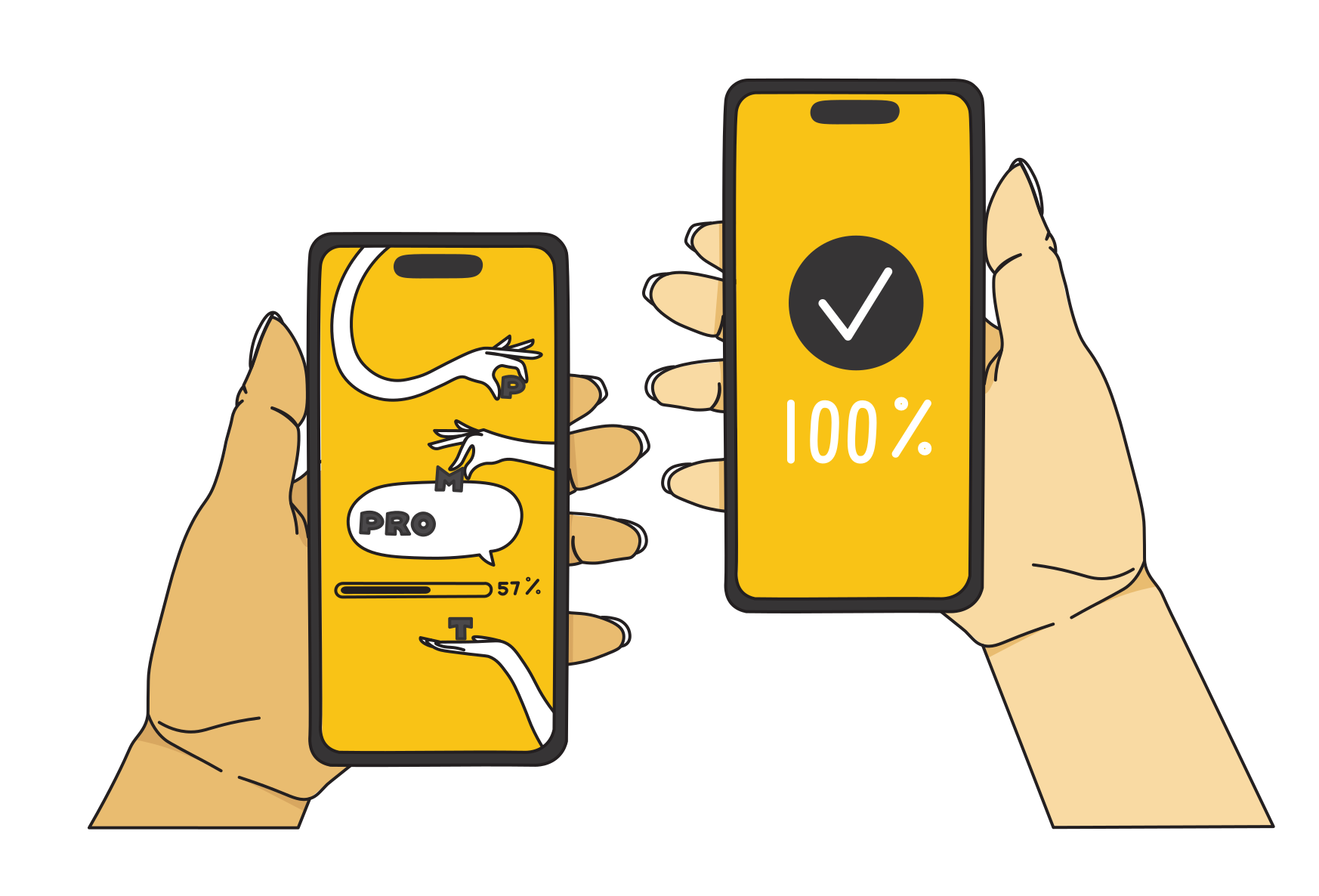
Install
Parents download the Prompt app on their iPhone and follow brief instructions to install on their teen’s phone. We connect the two phones, and you’re all set. Installing Prompt for you and your teen takes most people less than 2 minutes.
What you’ll need:
Your iPhone
Your Apple ID and password
Your teen’s device (unlocked!)

Choose subjects
Take a look through our curriculum and choose which subjects you think your teen might benefit from revising more – chemistry, history, French vocab? You can then allocate these to your teen’s learning programme.
Currently available subjects:
GCSE (ages 14–16): Biology, Chemistry, Physics, History, Geography, English Literature, French, Spanish, Latin
KS3/Common Entrance (ages 12–14): Science, History, Geography, French, Spanish

Watch them learn
Now let Prompt do the work! Every 15 minutes while your teen is on their phone, Prompt interrupts with questions on subjects you’ve chosen. Get them right? Back to what they were doing. Get them wrong? See the correct answer and think briefly before continuing.
Prompt repeats questions using spaced repetition – a proven technique that’s 10–15% more effective than cramming for long-term recall.
Top tip
Discuss with your teen which subjects they find challenging. They know their weak spots, and Prompt can help strengthen them.
Track progress together
Both parents and teens can see questions answered daily, accuracy rates, topics mastered and overall progress. Regular learning moments help teens scroll less, learn more and approach exams with confidence.
Download Prompt today and make screentime count
Pricing: 7-day free trial, then £3.99/month or £39.99/year
About the cost of one coffee per month – for measurable progress all year.
Note: Currently available for iPhone only.